
For decades, the water meter in your basement, utility closet, or front-yard pit did one quiet job: it spun a set of mechanical dials so a utility worker could walk by every month or quarter, jot down a number, and generate a bill. Today, water utilities across the country are replacing those aging mechanical boxes with digital, cellular-connected "smart" meters—known in the water industry as Advanced Metering Infrastructure, or AMI.
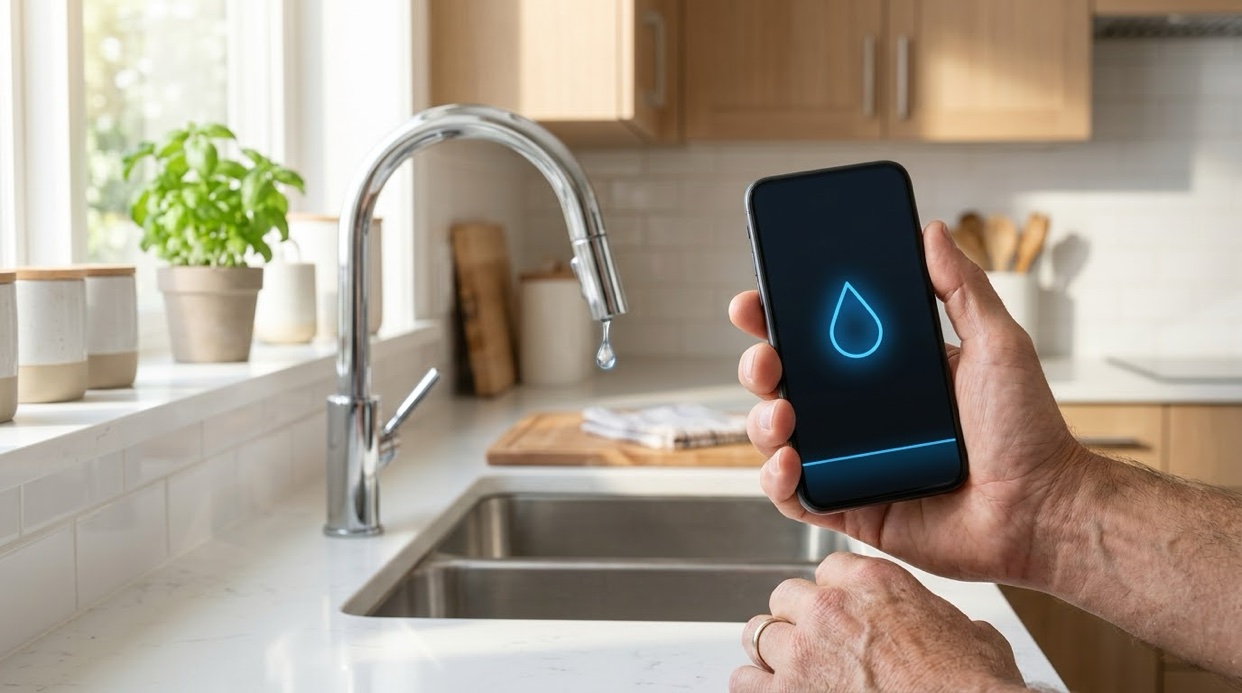
For homeowners, the most visible part of this upgrade is a free smartphone app and web portal called EyeOnWater, built by Badger Meter. Instead of waiting for a paper bill to find out how much water your household used last season, you can open your phone and look at your consumption broken down by the hour. The software tracks your daily, weekly, and seasonal usage trends, compares your current habits against your historical baseline, and lets you set custom leak alerts that send a text message or email if water keeps flowing when your house is supposed to be quiet.
It is a genuinely useful piece of household technology, and if your water provider offers it, turning it on takes only a few minutes with your account number and zip code. At the same time, it helps to be clear-eyed about what that dashboard actually tells you—and what it completely misses.
What Happened: The Quiet Upgrade in Your Basement or Curb Box
Traditional water meters rely on a physical piston or turbine that spins as water passes through, turning odometer-style gears. Because someone had to physically read them—or drive down the street with a short-range radio receiver to pick up a signal—utilities only gathered data a few times a year.
Smart meters replace that manual read with an ultrasonic or magnetic flow sensor paired with a low-power cellular transmitter. At regular intervals, the meter beams encrypted usage data directly over a cellular network to your water utility's billing and operations system. The primary reason utilities invest in AMI is operational efficiency: they spend less time sending trucks into neighborhoods, catch broken meters faster, and spot water loss across their distribution mains.
Because the data is already flowing into the cloud, utilities pass access along to customers through platforms like EyeOnWater. Once you link your account, the app translates raw meter pulses into plain graphs. You can see the morning spike when everyone takes showers and runs the coffee maker, the flatline overnight while the house sleeps, and the jump on days you run the lawn sprinklers or fill a backyard pool. You can also set a threshold—say, continuous flow for 24 consecutive hours—that triggers an automatic alert to your phone.
What the Leak Alert Is Actually Good For
Before smart meters, a hidden plumbing leak was usually discovered in one of two unpleasant ways: a stained ceiling, or a quarterly water bill that arrived ninety days later with a shockingly high balance.
EyeOnWater closes that ninety-day blind spot down to roughly twenty-four hours. Because the meter logs flow every hour, a steady trickle shows up immediately as a baseline that never drops to zero. Normally, between midnight and 4:00 a.m., a typical home's water usage graph should sit completely flat at zero gallons per hour. If the graph shows a steady 1 gallon per hour running straight through the night, something in the house is leaking.
Consider a common, everyday example: a worn rubber flapper in a guest bathroom toilet. A silently running toilet rarely makes enough noise to notice from down the hall, and the water goes straight down the drain without leaving a puddle on the floor. Depending on the size of the gap, a single malfunctioning flapper can waste up to 200 gallons of water a day. Under an old quarterly billing cycle, that invisible trickle could run unchecked for three full months, wasting tens of thousands of gallons and adding around $200 to a single bill at typical combined water-and-sewer rates before you ever knew a problem existed. With a smart meter leak alert, your phone buzzes the next morning to tell you that water flowed continuously overnight. You spend ten dollars on a replacement flapper at the hardware store, swap it out in five minutes, and the leak is over.
The same early warning applies to stuck irrigation valves, leaking water heater pressure-relief valves, and underground service line leaks between the curb box and your foundation—issues that otherwise stay hidden until they cause real property damage.
What the App Cannot Do — The Honest Limit
As helpful as hourly flow data is, a smart meter has one fundamental blind spot: it measures volume, not water quality.
The sensors inside a Badger Meter—or any residential water meter—only count how many gallons pass through the pipe and how fast they are moving. They do not contain chemical analyzers, biological sensors, or heavy-metal detectors. Your EyeOnWater dashboard will never send you a text message warning you about elevated lead levels, forever chemicals (PFAS), disinfection byproducts like trihalomethanes, bacterial contamination after a pressure drop, or changes in mineral hardness.
This distinction highlights an important division of responsibility that catches many homeowners off guard: volume and delivery are the utility's job; water quality at your tap is yours.
Your municipal water provider is legally required to treat water so that it meets federal and state Safe Drinking Water Act standards when it leaves the treatment plant and travels through the main lines in the street. However, once that water crosses your property line and enters your home's plumbing, the utility's visibility stops. Water can pick up lead or copper from older service lines, brass fixtures, or lead-based solder inside your own walls. Chlorine added at the plant to keep bacteria at bay can react with organic matter to form disinfection byproducts by the time it reaches your kitchen sink, or leave a taste and odor you do not want in your drinking water. Even completely safe, regulated water can carry high levels of calcium and magnesium—hardness—that scale up your tankless water heater, ruin dishwasher heating elements, and dry out your skin.
Your smart meter will happily track every gallon of that water, down to the tenth of a gallon, without ever telling you what is dissolved in it.
What to Do With Both Halves
Managing your home's water well means treating volume and quality as two separate jobs, each with its own tool.
First, use the meter app for what it excels at: leak detection and baseline tracking. Set up your EyeOnWater account if your utility supports it, and configure a continuous-flow alert so you are notified if water runs uninterrupted for more than a few hours. Check your overnight flow graph once a month just to confirm your home still drops to zero while everyone is asleep. If you go out of town for a week, glancing at the app gives you instant peace of mind that a supply hose hasn't burst while you were away.
Second, investigate your water quality independently. Start with your utility's annual Consumer Confidence Report (CCR), sometimes called a Water Quality Report. Every community water system must publish one each year—usually by July 1—and post it online or mail it with your bill. The CCR lists the source of your water (river, reservoir, or aquifer) and shows the detected levels of regulated contaminants alongside federal legal limits.
Read the CCR carefully, paying close attention to notes about lead and copper sampling, disinfection byproducts, and any unregulated contaminants like PFAS that the utility tested for. Keep in mind, though, that a CCR reflects system-wide compliance and sampling from selected homes—it does not test the specific pipes inside your house. When the annual report does not answer your question—for example, if your home was built before 1986 and might have lead solder, if you are on a private well, if you notice staining or scale, or if you want a precise baseline before buying a water filter or softener—send a sample from your kitchen tap to a state-certified drinking water laboratory. Testing first ensures you buy treatment equipment matched to the actual chemistry of your water rather than guessing.
A Fair Caution Worth Knowing
As smart meters become standard across more municipalities, it is worth taking a moment to understand how your specific utility governs them. Because AMI meters communicate two-way over cellular networks, utilities can read them remotely without stepping onto your property—and in certain newer meter models equipped with integrated remote-disconnect valves, the utility also has the technical ability to restrict or shut off water service remotely for nonpayment or emergencies. Additionally, homeowners who prefer to keep an older, non-transmitting analog meter sometimes have the option to decline the upgrade, though many utilities charge a recurring monthly opt-out fee—often $15 to $30 a month, depending on the utility—to cover the cost of sending a technician out for manual readings. Policies on remote shutoffs, data privacy, and opt-out fees vary significantly from one water district to the next, so it is simply good practice to check your utility's customer terms and fee schedule.
There is a physical side to that control, and I have seen it at my own curb. When the new meters went in outside my house, the meter box lid changed with them. The old lid opened with a simple swivel lock anyone could turn by hand. The new one is bolted shut with a five-sided penta bolt — a security bolt that no wrench or socket in a normal toolbox will fit. If that box needs opening, for any reason at all, you call the city or the water company and wait for their crew to do it. All the more reason to know where your own shut-off valve is inside the house, where the water line comes in. That one is still yours — and with a burst pipe flooding a room, it is the fastest stop you have.
Smart water meters are a welcome step forward for preventing water waste and catching costly plumbing failures before they wreck a finished basement. Use the app to keep an eye on how much water moves through your pipes—and use testing and water quality reports to stay informed about what is actually in it.
Facts first, then filter. — Steve
Leave a Reply